Escape from Tarkov · live tool
Tarkov BTR tracker
Pick your map. Set the raid timer and the tracker shows where the BTR most likely is on each route, and when it gets to the next stop.
The three maps
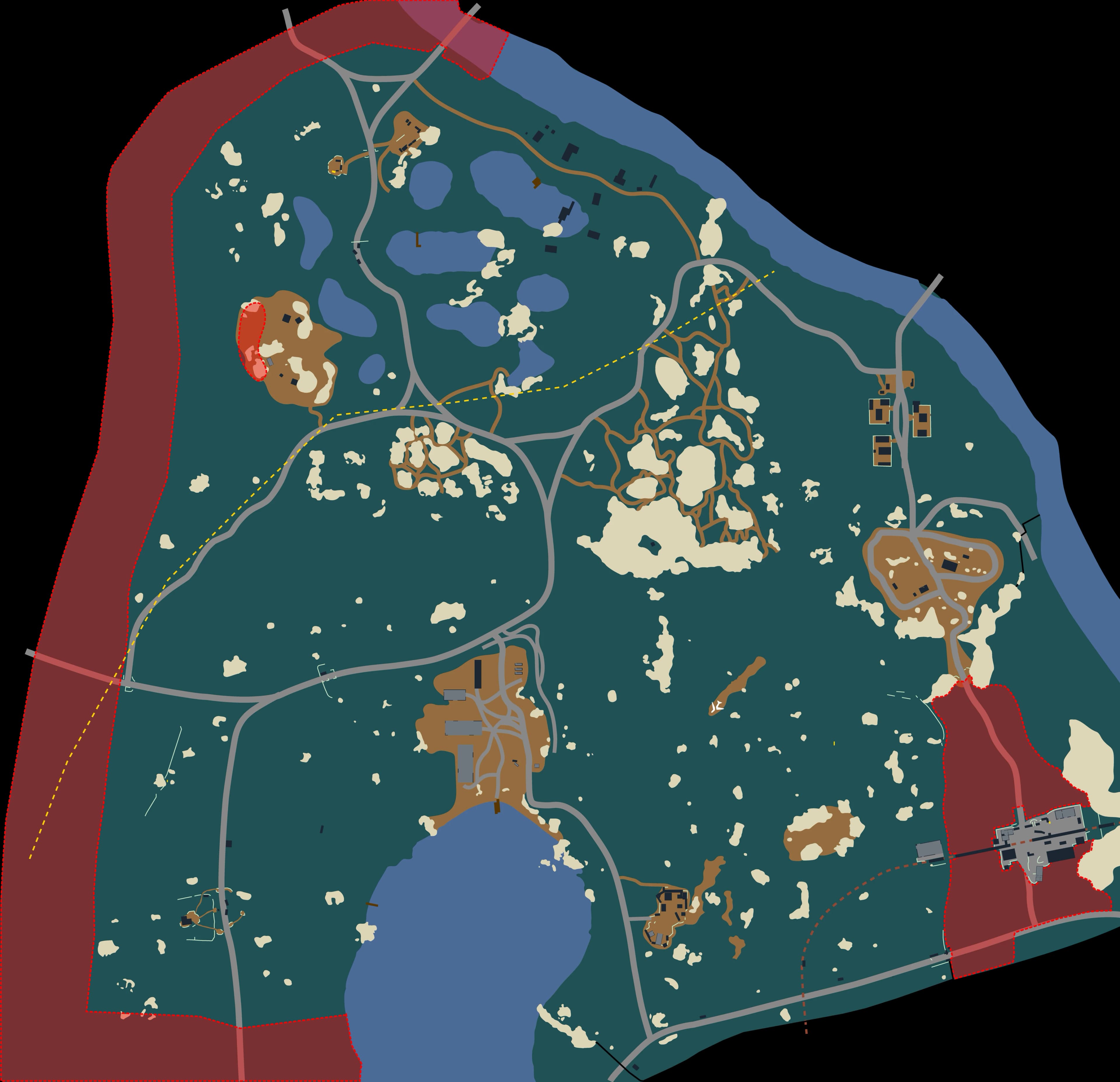
Woods
Open the trackerShows up every raid. Comes out between 32:00 and 29:00.
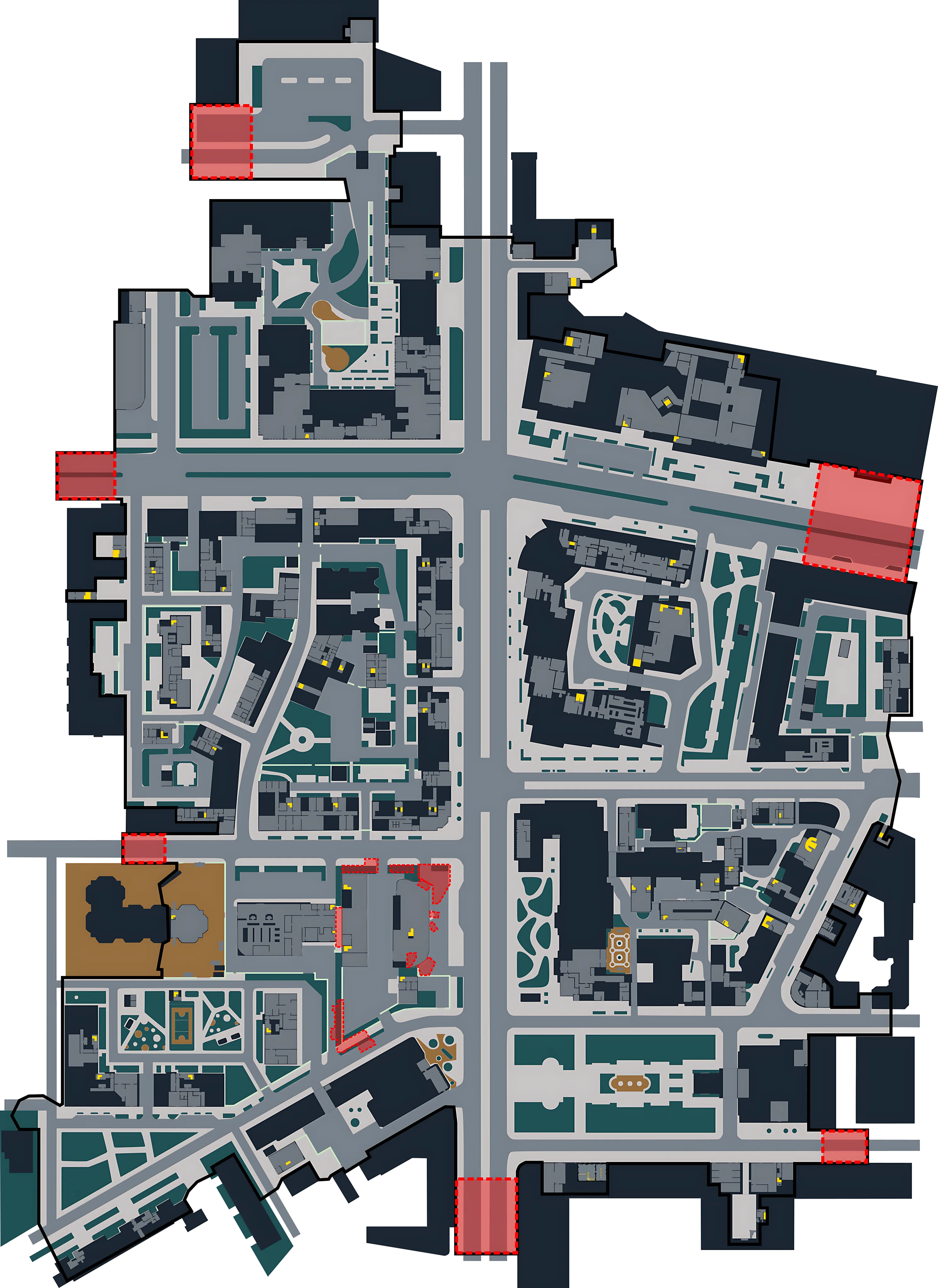
Streets of Tarkov
Open the trackerShows up every raid. Comes out between 35:00 and 30:00.
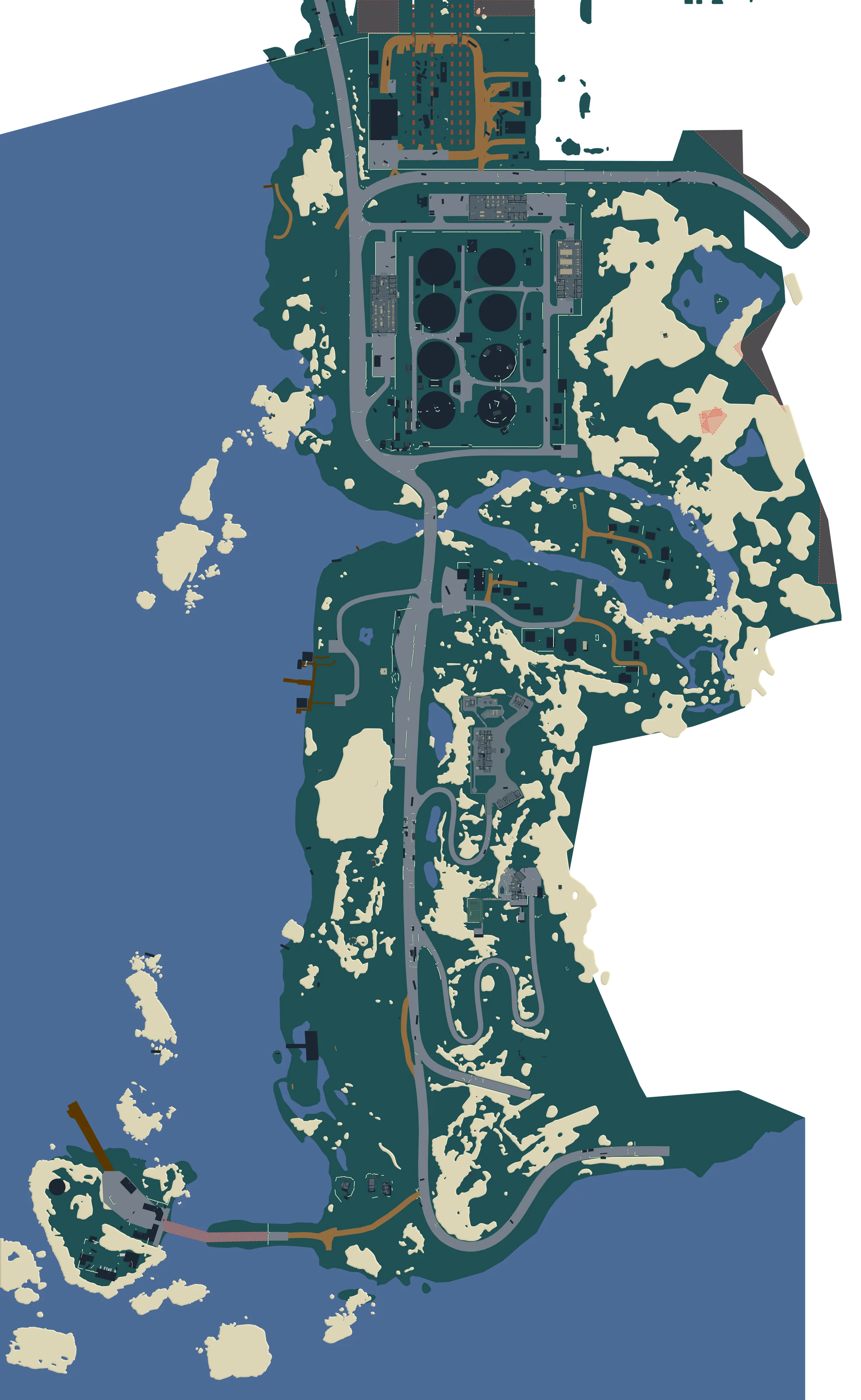
Lighthouse
Open the trackerShows up about 7 raids in 10. Comes out between 39:30 and 39:00.
New to the BTR? Read the BTR Driver guide, or see every route and stop on each map.
How to use the BTR tracker
Keep it open on a second screen or your phone. Match the timer once at the start of the raid and it runs on its own.
Step 1
Match the raid timer
Type the time you see in game, or tap the nearest whole minute and nudge it. The timer keeps running from there.
Step 2
Read the map
Each route has its own marker. "STOPPED" means it is waiting at a stop, and an arrow shows the stop it is driving to. Tap or hover over a stop to see when each route gets there next.
Step 3
Tell it when you see the BTR
Tap "I see it", pick the stop, then tap "It just pulled in" or "It's leaving now". Routes that don't fit drop off, and the times restart from that moment.
BTR tracker questions
How does the BTR tracker know where the BTR is?
It doesn't see your raid. It knows the routes, the stops, how long the BTR waits and how fast it drives. From the raid timer it works out where the BTR most likely is on each route. Tell it when you spot the BTR and its guess gets much better.
How accurate are the arrival times?
They are estimates, usually within a minute or two. Each raid the BTR comes out at a different time, and it waits a different time at every stop. Tell the tracker when you see the BTR. The times restart from that moment and get much closer.
Does the tracker save anything?
Only in your own browser, so a reload keeps your timer. Each map keeps its own timer. Nothing is sent anywhere and you don't need an account.